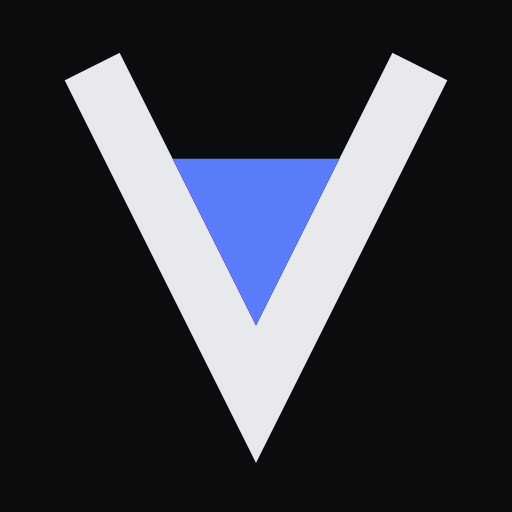
The mark is a vessel with a level in it.
The V is the vessel. The filled wedge is the evidence sitting in it, so the letter and the instrument are the same shape. A claim is only as full as what is under it, which is the entire product in one edge.
The mark
Drawn on a 100×100 grid. The level’s lower corners sit exactly on the vessel’s inner walls, so the two shapes meet with no seam. Below roughly 20px the meniscus stops reading and the mark becomes a solid V. That is deliberate: it is what a favicon needs it to do.
Colourways
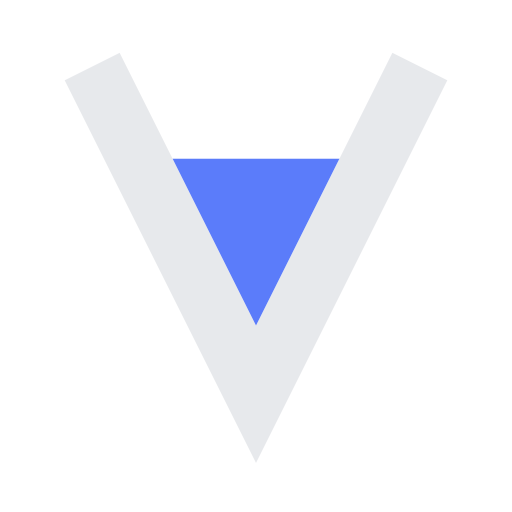
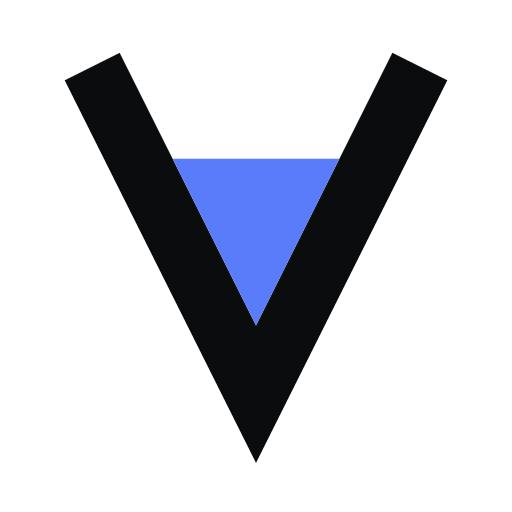
Two, and no third. The level is always cobalt; the vessel is whichever neutral the background is not. Where the background is out of our hands, use the tile, which brings its own.
Wordmark and lockup
The wordmark is “ValidLab” set in Inter 600 at -0.022em. One capital V, one capital L, no space. It is live text rather than an outlined shape, so it stays crisp and selectable everywhere it appears.
Keep clear space of one third of the mark’s height on every side. Minimum size is 16px for the mark and 96px wide for the lockup: below that the wordmark closes up before the mark does.
Downloads
Vectors, generated from the same source the product renders. If you need a raster, the mark is served as PNG at /icon and /apple-icon.
- Mark, tileCarries its own ground. Use this when the background is not yours.mark-tile.svg
- Mark, on darkTransparent, off-white vessel.mark-on-dark.svg
- Mark, on lightTransparent, graphite vessel.mark-on-light.svg
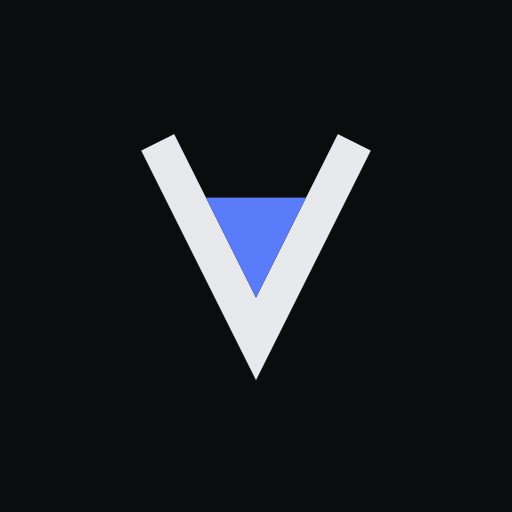
- Mark, tile with clearanceFor anywhere a platform crops to its own shape.mark-tile-inset.svg
Please don’t
- Recolour the level. It is cobalt in both colourways.
- Add a gradient, a glow, an outline, or a third colour.
- Rotate, skew, or stretch the mark.
- Change the level's height to mean something. It is fixed, not a progress bar.
- Set the wordmark in another face, weight, or casing.
- Rebuild the lockup by hand from the pieces.
Anything not covered here, or a use you are unsure about: write to support@validlab.ai.